Your PS5 runs the language model.
Every device on your network uses it.
PS5LM loads a GGUF model onto the console's GPU and serves it to your laptop, your phone and your coding tools, with OpenAI and Anthropic APIs and a screen made for the TV. No PC while it runs, no cloud, no account.
Free and open source under GPL-3.0, for a jailbroken PS5 you own on firmware 7.00 to 13.60.
Measured on the console
207tok/s
Qwen 3.5 0.8B, Q4_K_M
55tok/s
Qwen 3.5 9B, Q4_K_M, with a 64k context
20tok/s
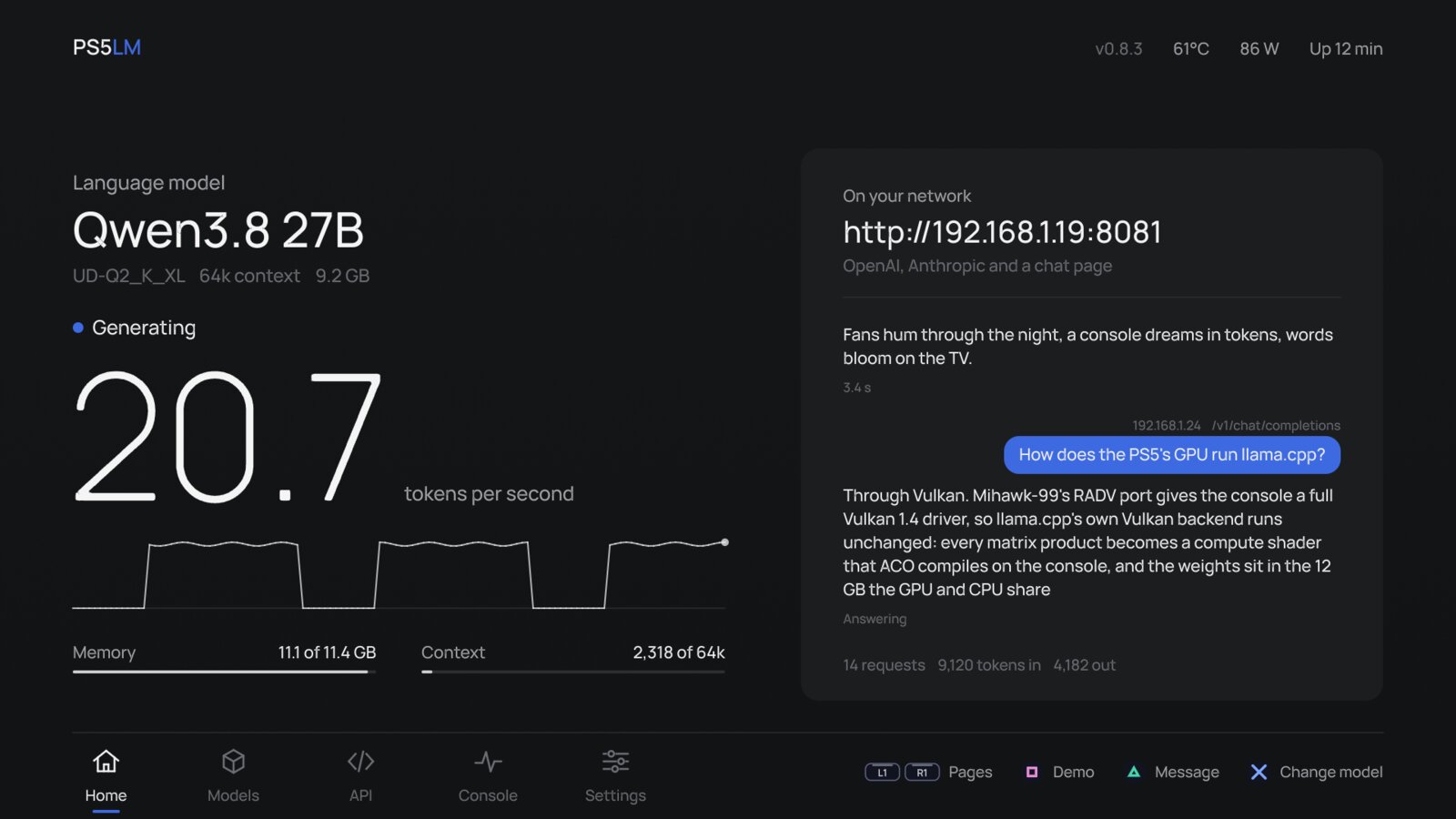
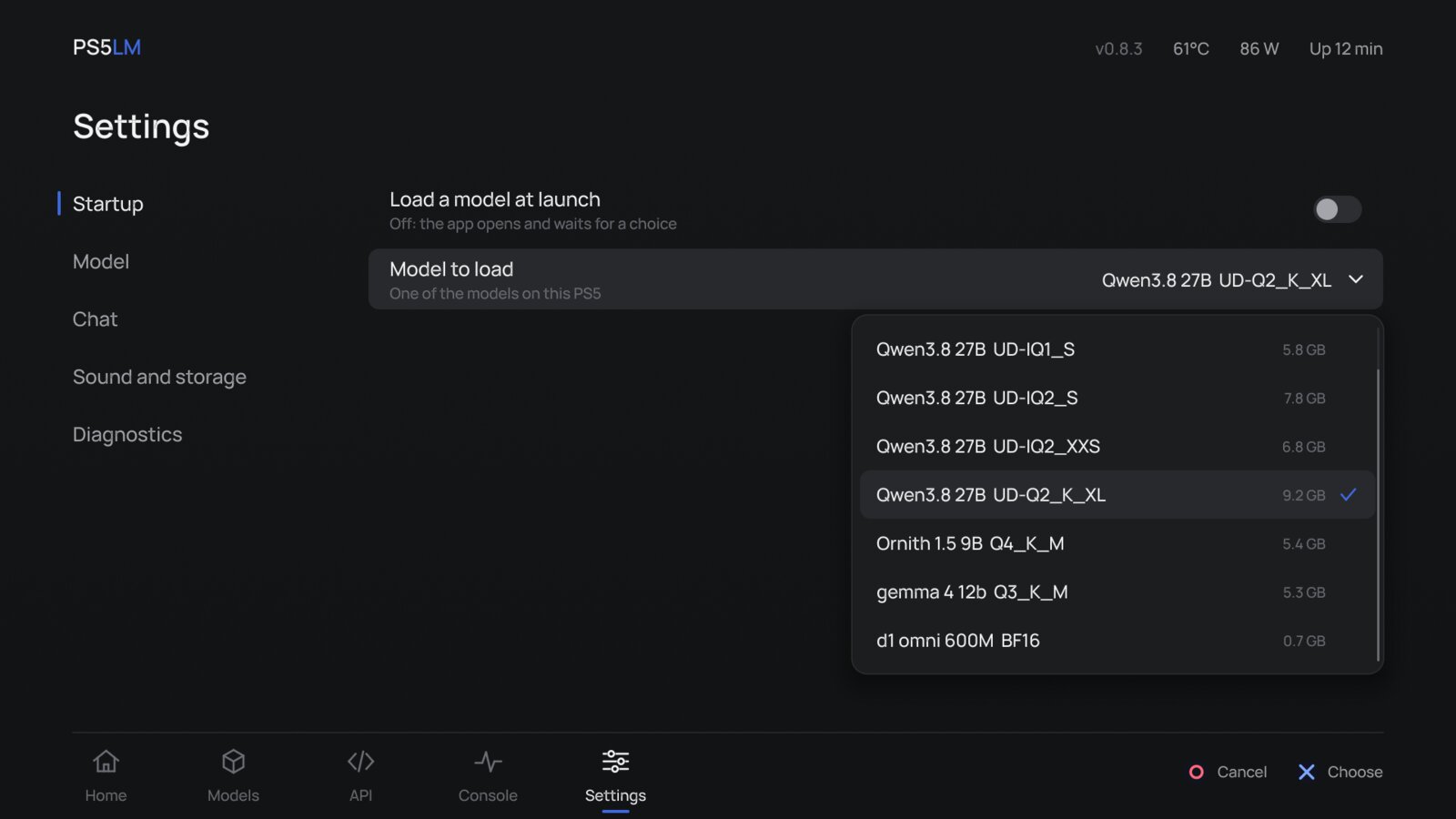
Qwen 3.8 27B, UD-Q2_K_XL, the biggest that fits
0.3s
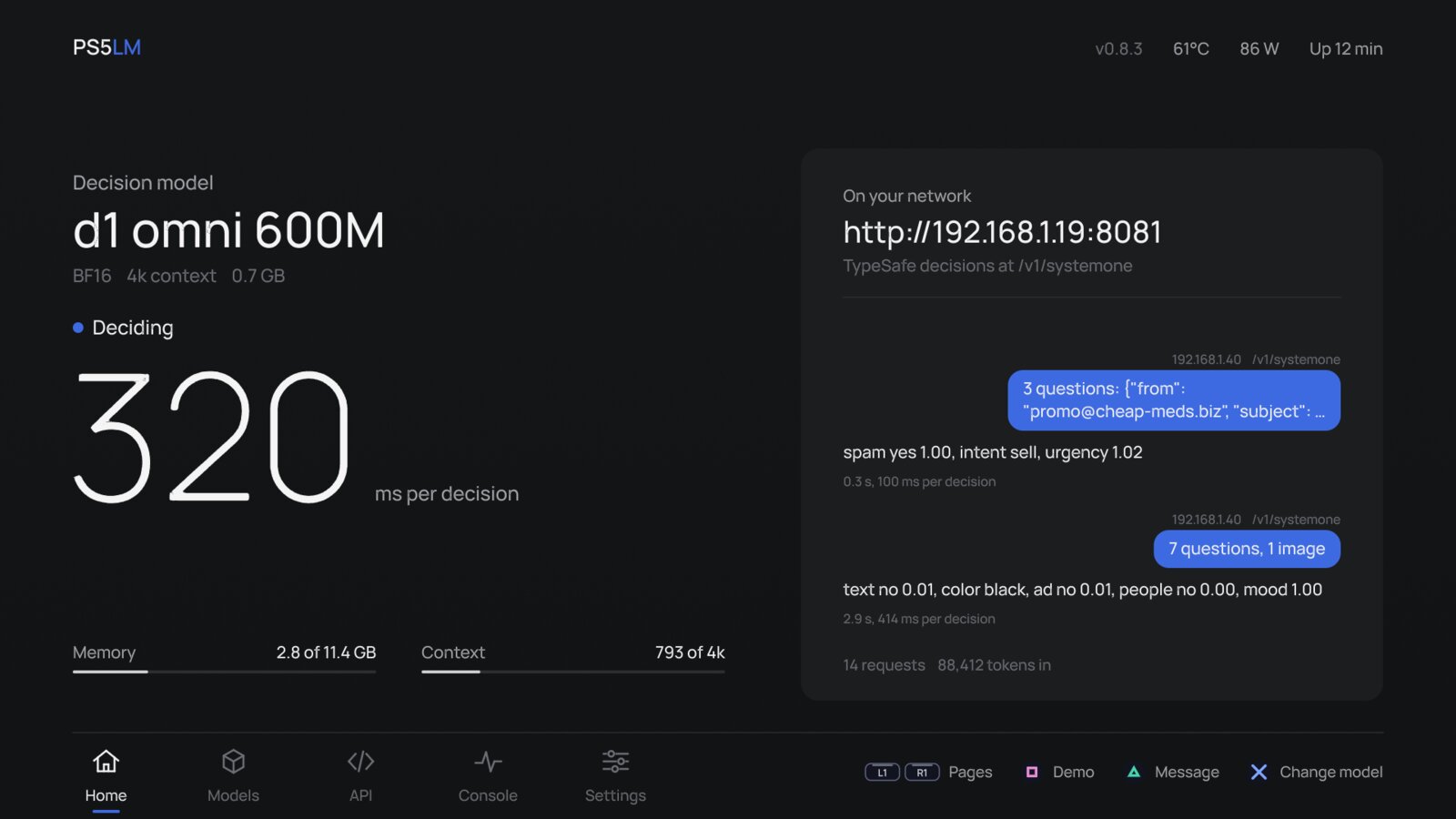
Three decisions from d1 Omni 600M; a 720p image and seven questions in 2.9 s
A PS5 Slim, every layer on its RDNA 2 GPU through llama.cpp's Vulkan backend, with 11.4 GB of the shared memory for the model and its context.
Made for the TV
Five pages you move between with L1 and R1. Everything is in reach of the DualSense, and every request another device makes shows up on Home as it happens.
A model server under your TV
It runs on the GPU
llama.cpp's Vulkan backend on the console's RDNA 2 GPU. Every architecture and quantization llama.cpp knows comes along.
It answers your network
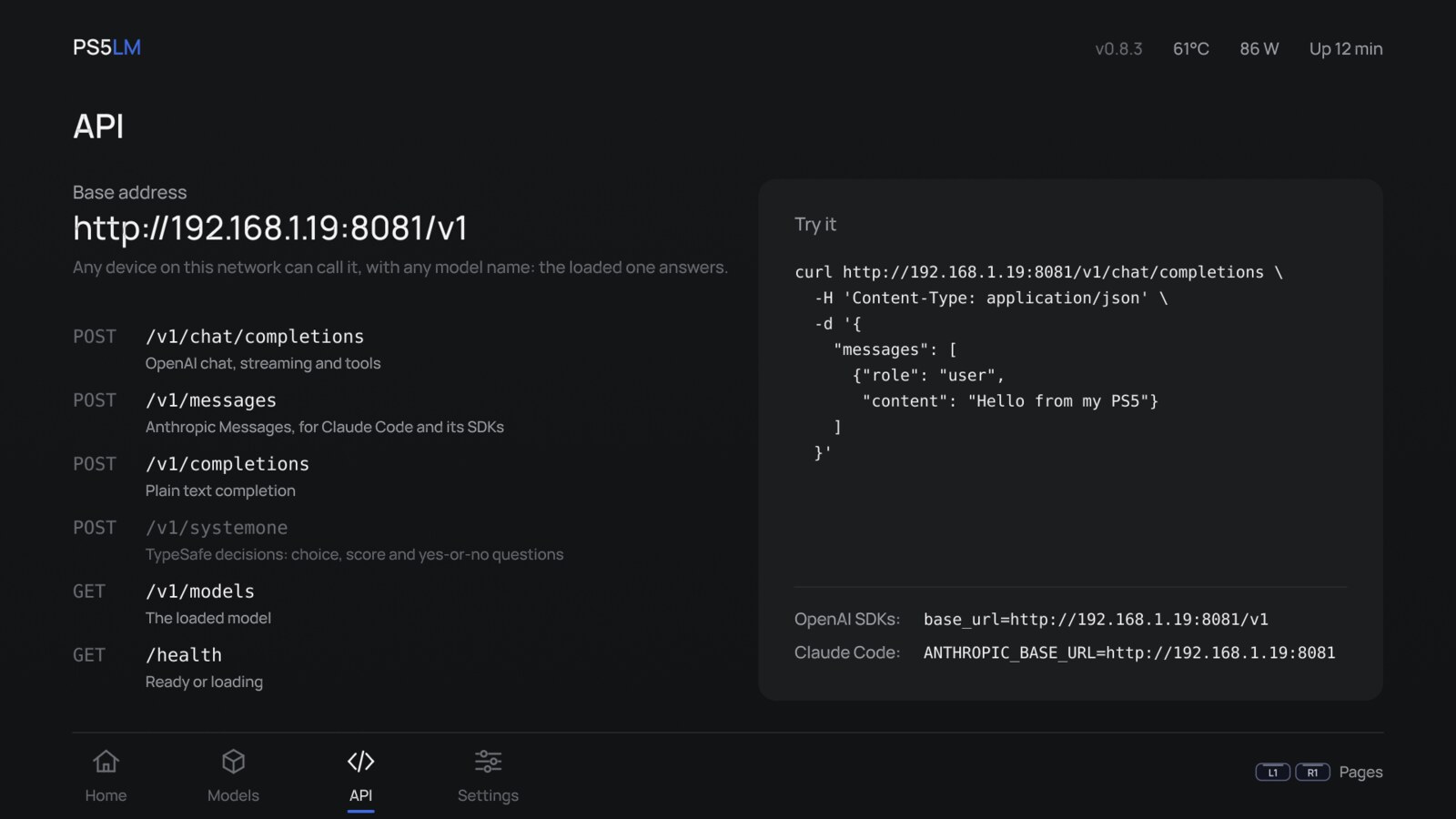
OpenAI's /v1/chat/completions, Anthropic's /v1/messages (Claude Code works against it) and a chat page in any browser, at http://<console>:8081.
It decides, too
Load a decision model and the console answers /v1/systemone: choice, score and yes-or-no questions about text and images.
It shows its work
Every request streams across the TV as a chat: which device asked, what it asked, and the reply as it is written.
It watches the console
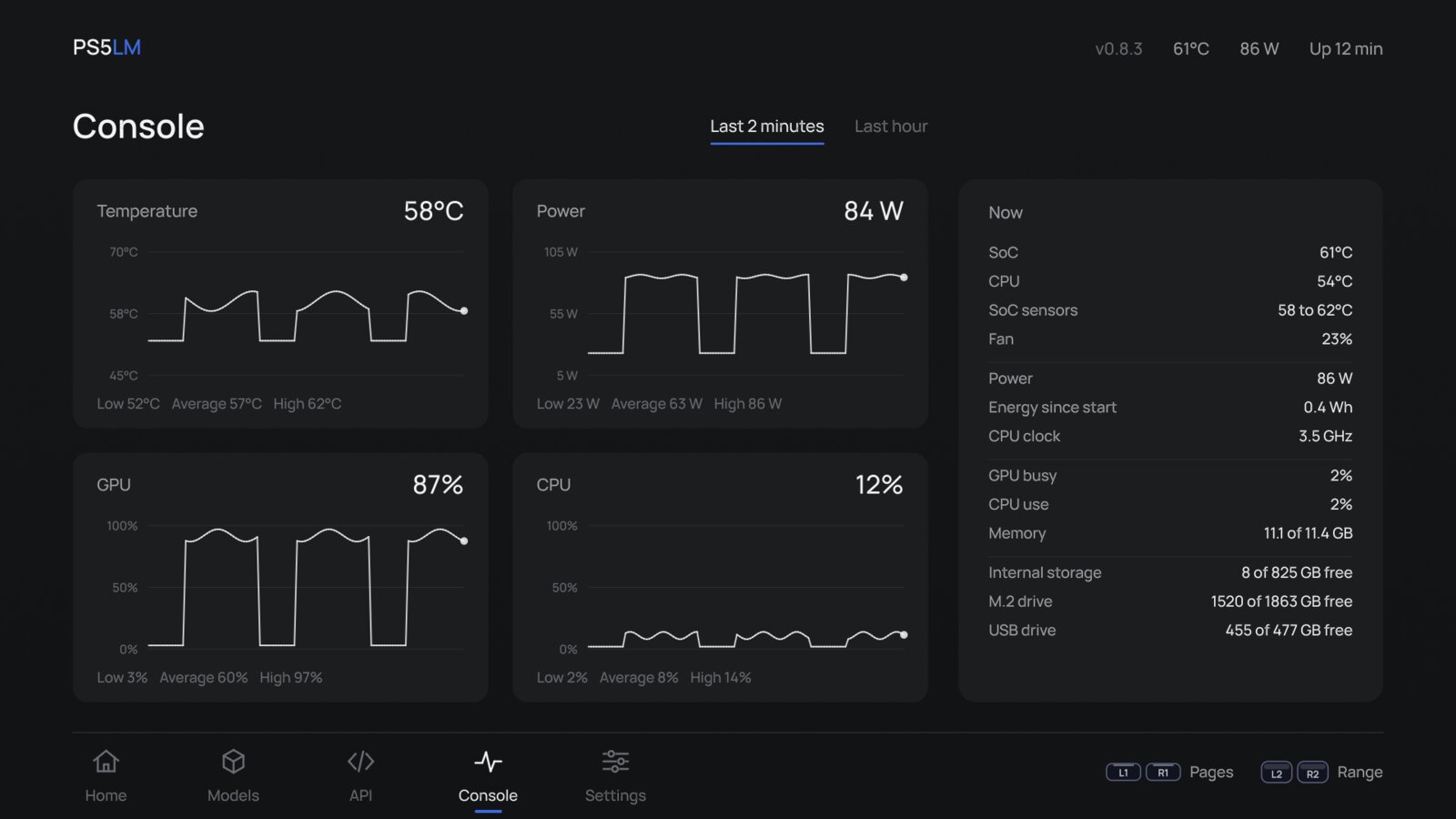
Charts of temperature, power and load, beside a table of every reading the console gives.
It picks what fits
The planner reads each GGUF and gives it the longest context and best cache that fit. Downloads go to internal storage, the M.2 drive or USB.
It reads images
Models with an image projector, such as Gemma 4, MiniCPM-V and d1, take pictures in chat and in decisions.
It needs nothing else
No PC while it runs, no cloud and no account. Your prompts never leave your home.
Powered by Ollaya
Decision models
Ollaya runs open decision models on a PC the way Ollama runs language models. PS5LM brings the same idea to the console: a decision model reads a state and answers typed questions in one forward pass, with calibrated probabilities and no text generated.
$ curl http://<console>:8081/v1/systemone -H 'Content-Type: application/json' -d '{
  "state": "I was charged twice this month. Refund me or I cancel.",
  "questions": {
    "intent": {"type": "choice", "instructions": "What does the customer want?",
               "criteria": {"refund": null, "information": null, "cancel": null}},
    "angry":  {"type": "noul", "instructions": "Is the customer angry?"}
  }
}'
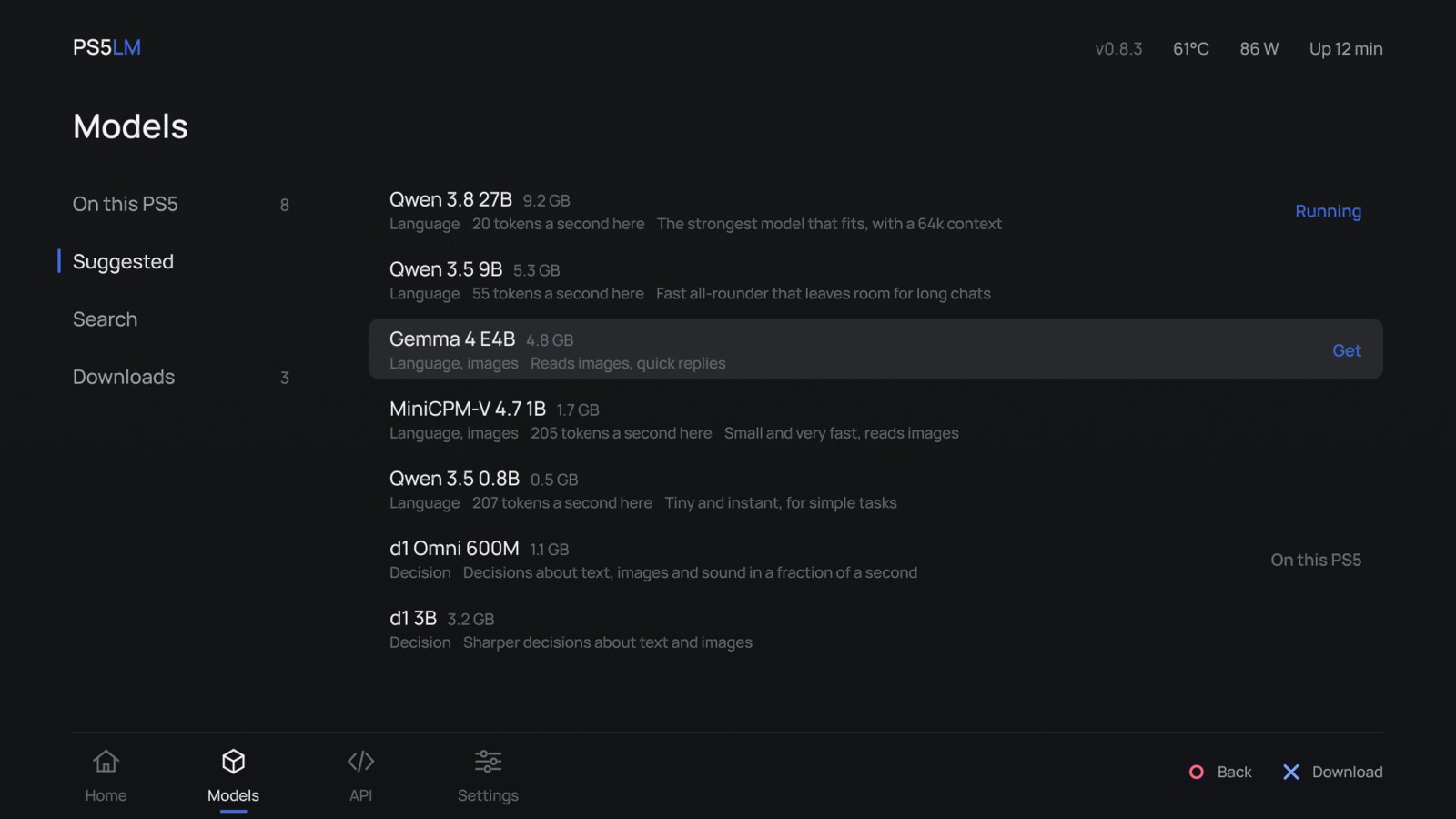
The Suggested list has d1 Omni 600M, d1 3B and Clef Flash. Any GGUF that carries llama.cpp's decision metadata loads the same way, and the app labels it a decision model.
Install
You need a PS5 on firmware 7.00 to 13.60, jailbroken, with these payloads loaded:
| Payload | For | |
|---|---|---|
| kstuff-lite | the kernel patches homebrew runs on | required |
| etaHEN | homebrew support | required |
| ShadowMountPlus | puts PS5LM on the home screen from /data/homebrew | required |
| elfldr | temperature, power and real free space | recommended |
| ftpsrv | installing the app, copying models from a PC | recommended |
- Download
ps5lm-app-vX.Y.Z.zipfrom the latest release and unzip it. - Copy the
PPSA99575folder to/data/homebrewover FTP. ShadowMountPlus adds PS5LM to the home screen. - Open PS5LM, go to Models > Suggested and get a model. Or copy a
.ggufto/data/PS5LM/models, or toPS5LM/modelson a USB drive. - Load it. Once Home says Ready, open
http://<console>:8081in a browser, or point your OpenAI or Anthropic client at it.
To update, copy the new folder over the old one; settings, models and downloads stay in /data/PS5LM. Using it from coding tools (opencode, Codex, Claude Code) is in docs/CLI.md, building it in docs/BUILDING.md.
Questions
Does it run on the GPU?
Yes, every layer. llama.cpp's Vulkan backend runs on RADV, the open Mesa driver, ported to the PS5 by PS5_Vulkan. Generation is bound by memory bandwidth, and the 9B model reads its weights at about 70% of the GPU's 448 GB/s.
How big a model can it run?
About 11 GB of model and context. Qwen 3.8 27B at 2-bit fits with a 64k context; a 9B at 4-bit fits with room to spare. The planner tells you what fits before you download.
Does this run games or need any Sony code?
No. PS5LM runs open-weight models and nothing else. No games, keys, firmware or Sony SDK files are part of it.
Can it break my console?
It writes only to its own folders, never to system files. Under a long load the console runs warm and the fan spins up, as it does in a game; the Console page shows both.
Is it the same as PS5LM Plus?
PS5LM grew from PS5LM Plus, the native GPU app by abhi245y, and now lives under its own title ID, PPSA99575, so the two install side by side.